Este artículo está en inglés por ahora. La navegación sí está traducida.
Wiki fan no oficial
Bodycam FPV drone guide: Stabilized vs Acro
Bodycam FPV drone — quick answer
The FPV drone is a Gadget-slot tool. Steam lists two flight modes — Stabilized and Full Manual (Acro) — plus tuning for rates, throttle curves and flight profiles. Learn on Stabilized in the Shooting Range HUB, switch to Acro once routes feel easy, and in Wingman let only one player fly while the other holds the angle.
- Stabilized = the assisted mode for first flights and quick room peeks. Full Manual (Acro) = you hold pitch, roll, yaw and throttle yourself (general FPV convention — confirm the feel in your client).
- Practice where Steam says you can: the Shooting Range HUB lets you fly FPV drones, test builds and practice before live matches.
- Job before takeoff: scout (short intel peek, then back to your gun) or strike (commit the drone to force movement) — Steam lists scouting, intel, strikes and squad support.
- Not published by Steam or Reissad Studio: official rate presets, keybinds, cooldowns or drone counts — this guide will not invent them; check your client.
Searching bodycam FPV or bodycam drone? This page covers what Steam actually publishes about the FPV drone (Stabilized and Full Manual/Acro flight modes, advanced tuning, HUB practice, scouting and strikes) and turns it into a practice path: HUB → Stabilized → Acro → casual DM/TDM → Wingman. Planning slots? The loadout page and loadout builder show where the Gadget slot fits next to your primary.
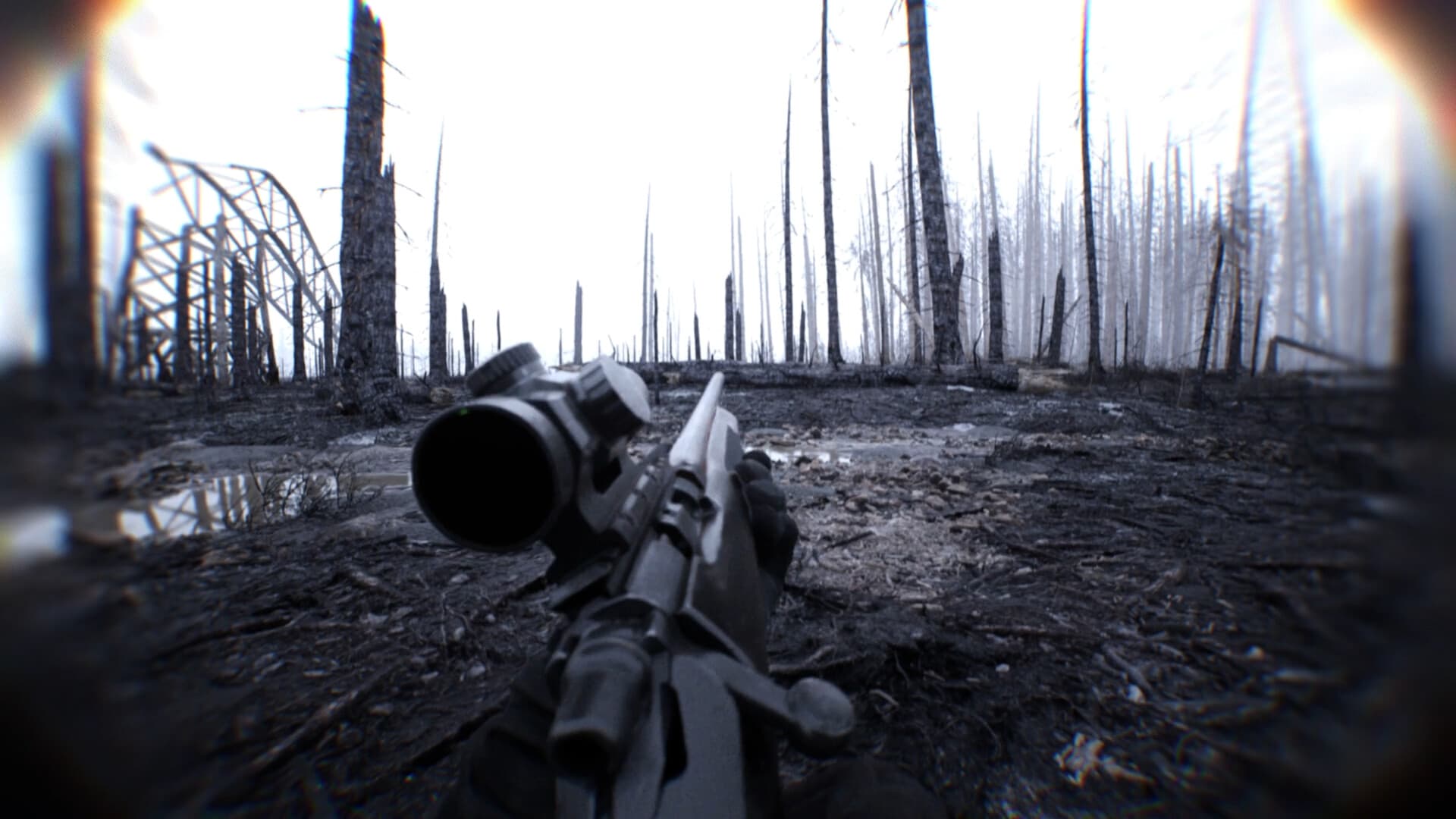
- Bodycam drone / FPV (Steam): Stabilized and Full Manual (Acro); rates / throttle curves / flight profiles exist — confirm values in-client.
- Practice path: HUB / Custom → Stabilized first → crashes are OK → then Acro → casual DM/TDM before Wingman.
- Scout vs strike: short intel peeks vs committing pressure — same Gadget slot, different round job.
- Wingman: one flyer / one holder so both players are not staring at tablets.
- Hard no: no official rate tables, invented timers, or keybind charts on this wiki — check the live client.
- Plan the Gadget slot in the loadout builder (Wingman duo — recon preset uses stabilized FPV).
Stabilized vs Full Manual (Acro) — conceptual
| Mode | What Steam / coverage describe | Start here when… |
|---|---|---|
| Stabilized | Assisted leveling / approachable piloting for learning the tablet and room peeks | First flights, HUB drills, Wingman recon while the partner holds |
| Full Manual (Acro) | Freer pitch / roll / yaw / throttle — no auto-level hand-holding; harder, more expressive | After Stabilized feels boring, still in HUB/Custom — not mid-bomb first attempts |
Stabilized vs Full Manual (Acro)
Steam’s Modern Combat Tools blurb names Stabilized and Full Manual (Acro) flight modes with realistic flight physics, plus advanced tuning (rates, throttle curves, flight profiles). Stabilized is the approachable classroom: the craft helps stay level so you can learn tablet navigation, doorway peeks, and calling what you see. Full Manual (Acro) removes that auto-level help — you own pitch, roll, yaw, and throttle the whole time, which unlocks freer lines and sharper pressure once the muscle memory exists.
This wiki will not publish YouTube or Discord controller rate tables as official settings. Steam says tuning options exist; exact numbers, presets, and binds change with builds. Prefer in-client defaults while you learn Stabilized, then adjust one tuning axis at a time in the HUB if you need to — never treat community rate screenshots as store-page facts.
Practice path: HUB → Stabilized → Acro
Steam’s HUB description explicitly invites you to fly FPV drones (the bodycam drone gadget) in the Shooting Range HUB alongside loadouts and the tactical tablet. Use that (or a quiet Custom session) before competitive-feeling Wingman queues.
Step 1 — Stabilized only: deploy, clear a simple route (hall → room → return), land or recover without fighting enemies. Step 2 — Accept crashes: Early Access practice means burning drones while learning; treat a crash as feedback, not a failed loadout. Step 3 — Callouts without dying: practice naming what you see for a partner even when no one is shooting at you. Step 4 — Acro in the same safe space: flip to Full Manual only after Stabilized routes feel boring, still in HUB/Custom. Step 5 — Casual DM/TDM before Wingman: bring the habit into live fire where mistakes are cheaper than a bomb timer.
Order to remember: HUB → Stabilized → Acro → then duo queues. Do not skip straight to Acro mid-round on Wingman because a clip looked cool. This wiki will not publish community rate packs as official Bodycam FPV settings.
Scout vs strike; Wingman one flyer / one holder
Steam frames the bodycam drone / FPV gadget for scouting enemy positions, gathering intelligence, striking targets, and supporting the squad. Scout / intel intent: short flights that answer a question (is the room clear? is the angle held?) so your teammate can fight with a ready primary. Strike / pressure intent: committing the drone to force movement or deny space — higher risk that you are tablet-locked while the fight happens without you. Pick the intent before you deploy; do not discover mid-flight that you needed a gun on the angle.
In Wingman (Steam’s 2v2 Search & Destroy), agree roles before the queue: one flyer briefly takes the Gadget slot; one holder keeps eyes and a fight-ready primary on the objective angle. Both players staring at tablets while the bomb timer runs is the failure mode called out across this wiki’s Wingman pages. Put “flyer vs holder” in the loadout builder notes field if you share a duo URL.
Read how to play Wingman Bodycam for the duo checklist, then open the loadout builder preset Wingman duo — recon (FPV) (stabilized FPV + partner holds) or Wingman duo — fight-ready when both of you need throwables and guns instead of tablet time.
Deploy, cooldown, and tuning — check in-client
Deploy keys, cooldown length, inventory rules after a crash, and exact mode-toggle binds are client truths — they can shift in Early Access. This page will not invent timers, button charts, or “official” rate profiles. Open the live client (and Steam patch notes when Reissad publishes them) for current deploy / cooldown behavior.
Tuning reminder: rates, throttle curves, and flight profiles are named on Steam as advanced options. Confirm what your build exposes. Omit copying unverified community rate packs into ranked-feeling queues until you can fly Stabilized cleanly on defaults.
Loadout builder presets and other gadgets
FPV still fills the five-slot loadout’s Gadget slot (Primary / Secondary / Melee / Explosive / Gadget). Keep a fight-ready primary for when the drone dies or the tablet closes. In the loadout builder, pick FPV drone — stabilized or FPV drone — acro explicitly; the Wingman duo — recon (FPV) preset starts you on stabilized for the flyer role.
Reconnaissance RC cars cover ground-level tight spaces when air is wrong for the job; throwables remain classic utility. Pair any gadget with a primary you can still fight with when recon ends. Gadgets are published customization — not redeem-code unlocks — and this wiki invents no codes or unpublished stats.
Sigue leyendo
Hechos comprobados en Steam y cobertura Locked & Loaded (5 sep 2026).