Cet article est pour l’instant en anglais. La navigation est traduite.
Wiki fan non officielle
How to Play Wingman Bodycam
How to Play Wingman Bodycam in ~30 seconds: Steam lists Wingman as 2v2 Search & Destroy; Locked & Loaded (v0.8) coverage treats it as the competitive focus after Bodybomb 5v5. Agree duo roles (one fight angle / one short recon), sketch five slots in the loadout builder, and keep the FPV one-flyer rule — never both on tablets mid-round. Party / friends caveats below stay honest.
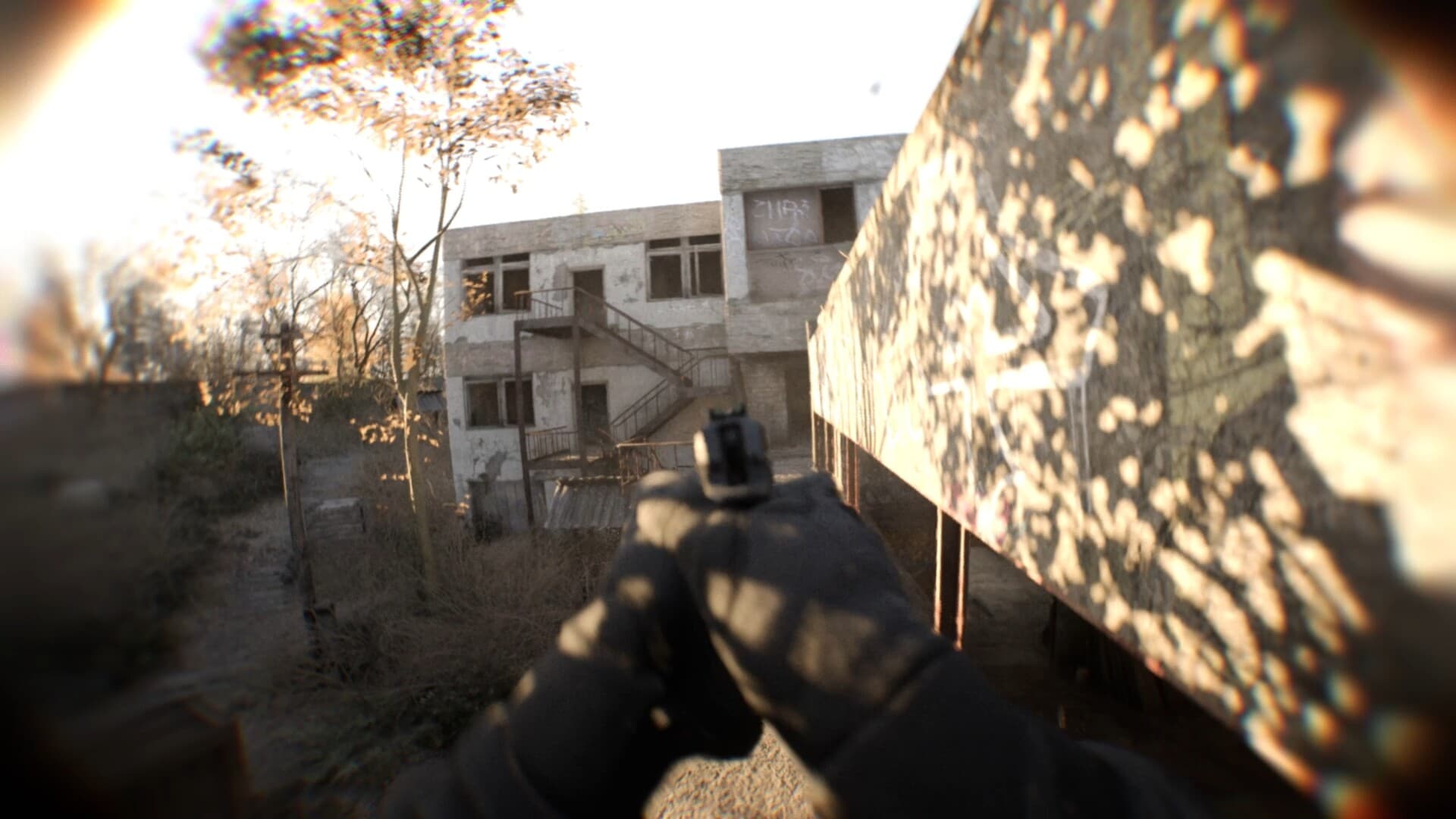
- What it is: Wingman = Steam 2v2 Search & Destroy — plant or deny with one teammate under the body-cam view.
- Duo roles: one holds the fight angle; one may briefly take Gadget (stabilized FPV or recon RC) — then return to guns.
- Loadout CTA: sketch Primary + Gadget in /tools/loadout-builder (or /loadout for RP/slots); warm the primary in the v0.8 hub range before queue.
- FPV one-flyer rule: one flyer / one holder — both on tablets while the bomb timer runs is the common failure mode.
- Bodybomb → Wingman: 5v5 Bodybomb retired in Locked & Loaded coverage; confirm live playlists in the client.
- Friends / Party: full Party System not ready at v0.8 launch per coverage — Custom/same-server workarounds; solo-queue limits possible; verify in-client.
30-second answer: how to play Wingman Bodycam
Wingman is Steam’s 2v2 Search & Destroy playlist. You and one teammate plant or deny the objective under the true body-camera viewpoint. Locked & Loaded (v0.8) coverage describes Bodybomb 5v5 as retired and Wingman as the competitive emphasis — confirm tonight’s live playlists in the Early Access client (Steam store copy may still mention Body Bomb in places).
Before you queue: (1) agree who holds the primary fight angle and who can briefly fly recon; (2) open the loadout builder and lock a controllable Primary plus a clear Gadget plan; (3) enforce the FPV one-flyer rule so one player always keeps eyes and a fight-ready gun on the objective. If the camera still feels heavy, stay in Deathmatch / Team Deathmatch first — see the beginner guide.
What Wingman is (Bodybomb → Wingman)
On Steam, Wingman is listed alongside Deathmatch, Team Deathmatch, Hardpoint, Gun Game, and Zombies co-op. It is a small-roster Search & Destroy fight: plant or deny the objective with one teammate under the true body-camera view.
Locked & Loaded (v0.8) coverage describes Bodybomb 5v5 as retired and Wingman as the competitive replacement emphasis. Steam store copy still mentions Body Bomb in places — treat the live playlist list in your Early Access client as the source of truth for what you can queue tonight, not an older screenshot or this wiki sentence.
Duo roles + FPV one-flyer rule
Agree who holds the primary fight angle and who can briefly take the Gadget slot for FPV (stabilized first) or recon RC cars. Both players staring at tablets while the bomb timer runs is a common failure mode called out across this wiki’s Wingman and FPV pages — that is the one-flyer / one-holder rule.
Build one controllable primary and a panic secondary; explosives and melee stay situational. Sketch the five slots in the loadout builder, then validate ADS and recoil in the hub range before Wingman queues. Casual DM/TDM remains the better classroom if the camera still feels heavy. For Stabilized → Acro practice detail, read the FPV / bodycam drone page after roles are clear.
Playing with friends / Party System (verify live)
Public Locked & Loaded coverage (studio-facing summaries restated across fan guides) states that the full Party System was not ready for the initial v0.8 launch, with broader party / matchmaking work called out as still in progress in early hotfixes. This wiki does not invent invite UIs, group Quick Play, or mid-match join features that are not visible in your build — confirm social and matchmaking screens in the live client before assuming a party queue exists.
Friends workarounds described in that same coverage window: use the Custom tab (host a Custom / private-style session and have friends join), or separately browse into the same server. Exact tab names (Custom, Host Map, Join Server, Quick Play, and similar) can shift in Early Access — treat this as a coverage-framed path, then confirm the buttons in your client. Community threads also discuss invite-only / private lobby quirks; if a privacy toggle does not stick, re-check it after leaving the options screen and confirm in live client rather than trusting a wiki workaround as permanent.
Solo-queue limitation: launch-era coverage described Wingman matchmaking as solo-queue first while duo party queue matured. If your client still queues you alone into 2v2, that matches those reports — re-check after patches. Do not invent ranked ELO ladders or skill brackets here; this page sticks to format, roles, and verifiable social limits.
Maps, hub, and connection
Learn maps in your current pool — including Trenches from Locked & Loaded coverage — without inventing unpublished site names. Use the hub tactical tablet between rounds. Host migration is noted in v0.8 coverage when a host drops; Steam still lists broadband Internet connection in system requirements — migration helps session continuity, it does not replace a stable connection. If you are new to the game entirely, start with the beginner guide, then return here for Wingman-specific habits.
À lire aussi
Faits vérifiés sur Steam et couverture Locked & Loaded (5 sep 2026).