Dieser Artikel ist derzeit auf Englisch. Navigation ist übersetzt.
Inoffizielle Fan-Wiki
Bodycam loadout builder
Lightweight planner for the five published loadout slots — presets for DM/TDM and Wingman duos, optional notes (RP budget / duo roles) in the share URL, and a hub range checklist before you queue.
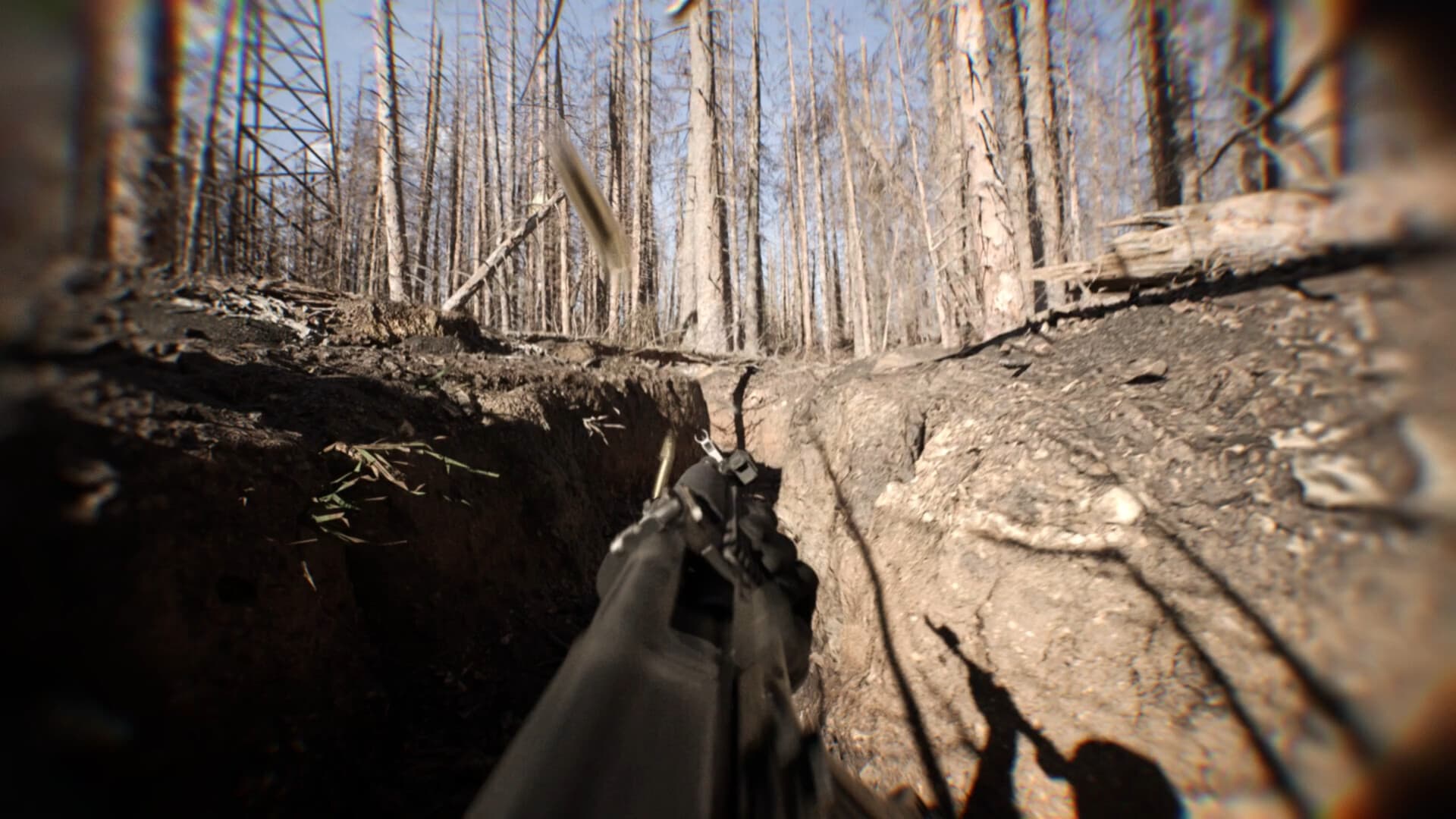
- Slots: Primary, Secondary, Melee, Explosive, Gadget (Steam / Locked & Loaded coverage).
- Named gadget options on this wiki: FPV drones (stabilized + acro), reconnaissance RC cars, throwables.
- Primary/secondary/melee/explosive choices use published purpose language — exact weapon models live in the Early Access client.
- Optional notes=: e.g. RP budget this primary only · flyer=me / holder=duo — encoded in Copy link.
- Hub + RP loop: one primary → one attachment change → hub range → DM/TDM → Wingman (full guide on /loadout).
- No damage calculator, redeem codes, invented gun names, tier lists, or meta recipes.
- ~400 attachments cited in Locked & Loaded coverage — confirm unlocks and shop prices in your build.
Loadout builder
Fill the five published slots. Gadget options use named items from the wiki; weapon models are chosen in the Early Access client. Optional notes (RP budget / duo roles) ride in the share URL with your build.
Presets
- DM / TDM learning: Forgiving primary + throwables while the body-cam view still feels heavy.
- Wingman duo — recon (FPV): One flyer on stabilized FPV; partner holds the fight angle.
- Wingman duo — fight-ready: Fight-first Primary + throwables when both players stay off tablets.
Wingman deep dives: How to play Wingman · Loadout & attachments · Wingman mode
Hub range checklist (before Wingman)
Facts already on this wiki / Steam coverage — spend RP one change at a time; practice ADS and recoil before competitive queues.
- Open the v0.8 hub shooting range (Locked & Loaded coverage).
- Spend RP on one primary you actually queue with — sketch roles + RP budget in notes.
- Practice ADS/recoil under the true body-cam frame; change one attachment at a time (control / ADS / utility).
- Validate that one change in Deathmatch or Team Deathmatch before buying more.
- Queue Wingman only when Primary + Gadget roles are clear with your duo.
Full attachment loop and Wingman vs DM/TDM table: /loadout. Duo habits: /guides/how-to-play-wingman.
Copyable loadout
Bodycam loadout (wiki planner — confirm exact item names in the client)
Primary: —
Secondary: —
Melee: —
Explosive: —
Gadget: —
Note: ~400 attachments cited in Locked & Loaded coverage; no DPS/meta invented here.
How to use this tool
Fill each of the five slots, or start from a preset. Add a short optional note — RP budget for one primary, duo flyer vs holder, hub-range done — it is encoded in the share URL with your build. Use Copy loadout for plain text or Copy link so a pasted URL restores the same plan.
Follow the hub range checklist on this tool: one primary, ADS/recoil under body-cam view, one attachment change at a time, then a short DM/TDM validate before Wingman. Deep Reissad Points spending discipline lives on the loadout guide — this tool sketches roles; the client holds exact weapon model names and live RP prices.
When to use presets
Use DM / TDM learning when the body-cam view still feels heavy and you want a controllable primary plus throwables. Use Wingman duo — recon (FPV) when one teammate flies stabilized FPV and the other holds. Use Wingman duo — fight-ready when both players need a fight-first Primary and throwables instead of tablet time.
Presets are planning shortcuts only. Confirm live item names, attachments (~400 cited in Locked & Loaded coverage), RP multipliers/prices, and playlists in the Early Access client — this wiki does not invent gun models or DPS. Read how to play Wingman and the loadout guide for duo habits and RP spend loops.
Weiterlesen
Fakten gegen Steam und Locked & Loaded geprüft (Stand 5. Sep 2026).